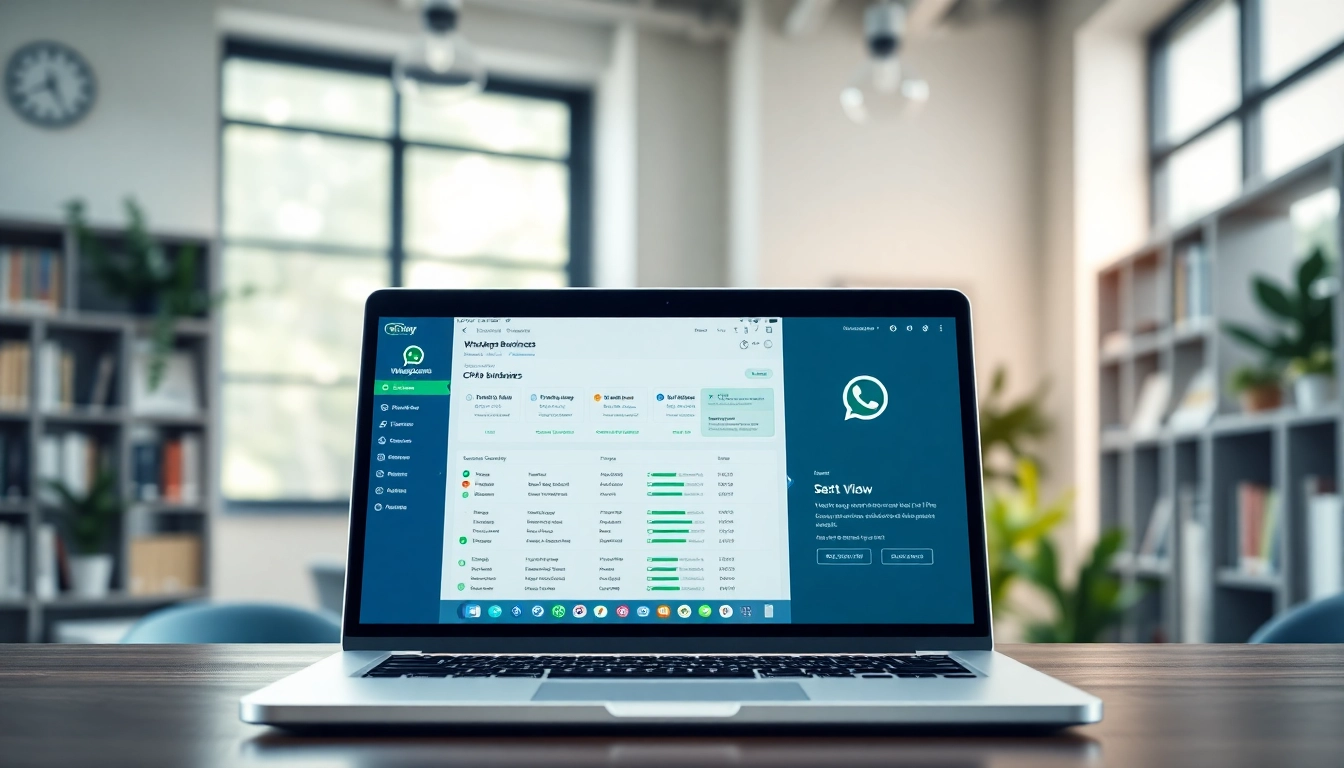
Understanding WhatsApp Business CRM
What is WhatsApp Business CRM?
The WhatsApp Business CRM is a customer relationship management system specifically tailored to enhance communication and engagement between businesses and their customers via the WhatsApp platform. It integrates the messaging capabilities of WhatsApp with robust CRM functionalities, allowing businesses to effectively manage interactions, track customer data, and streamline customer service processes. By leveraging the reach and convenience of WhatsApp, businesses can foster stronger relationships with their customers, ultimately leading to improved satisfaction and loyalty.
Key Features of WhatsApp Business CRM
- Automated Messaging: Businesses can set up automated responses to frequently asked questions, providing instant customer support and reducing response times.
- Chatbots: AI-powered chatbots can engage with customers 24/7, answering queries and collecting information without human intervention, thus enhancing efficiency.
- Contact Management: The CRM system allows users to segment customers by various criteria, making targeted communication more effective.
- Analytics and Reporting: Advanced analytics tools provide insights into customer behavior and interaction metrics, aiding in informed decision-making.
- Integration Capabilities: The platform can integrate with other software tools like eCommerce platforms, email marketing systems, and more for a comprehensive business solution.
Benefits of Using WhatsApp Business CRM
Employing WhatsApp Business CRM offers numerous advantages. First, it enhances customer engagement by making communication more accessible and immediate. Customers prefer quick responses, and through WhatsApp, businesses can interact in real-time. Additionally, reduced operational costs stem from automation, allowing for less reliance on a large customer service team.
Moreover, the platform’s analytical features provide actionable insights that guide marketing and sales strategies. Businesses can identify trends, assess campaign effectiveness, and tailor messages to meet customer preferences. This leads to higher conversion rates and improved overall customer satisfaction.
Setting Up WhatsApp Business CRM
Creating Your WhatsApp Business Account
The first step towards leveraging a WhatsApp Business CRM is to create a WhatsApp Business account. Start by downloading the WhatsApp Business app available on both Android and iOS. After installation, you’ll need to register your business phone number, ensuring it is separate from your personal number to maintain professionalism. Next, complete your business profile with essential details such as your business name, logo, description, and contact information to establish credibility with customers.
Integrating CRM Features
Integration is crucial for maximizing the potential of your WhatsApp Business CRM. This involves linking your WhatsApp account with CRM software to synchronize customer data seamlessly. Depending on the CRM provider, you may have options for integration such as API access or direct linking. Ensure that every customer interaction on WhatsApp is recorded, allowing for a holistic view of customer engagement, preferences, and history.
Customizing Your Dashboard
A well-organized dashboard is vital for effective management of your WhatsApp Business CRM. Customizing your dashboard allows you to prioritize information that is most relevant to your business’s needs. Most CRM systems allow for widget customization, so you can track metrics such as active chats, response time, and customer satisfaction scores at a glance. Additionally, implementing tags or categories for different types of customer interactions can streamline your workflow, making it easier to follow up and maintain relationships.
Best Practices for Utilizing WhatsApp Business CRM
Enhancing Customer Communication
To enhance customer communication via the WhatsApp Business CRM, prioritize timely responses. Employ automated replies for outside business hours or initial customer inquiries, ensuring no messages go unanswered. Additionally, personalize interactions by addressing customers by name and referencing past interactions, which fosters a sense of connection.
Utilizing multimedia such as images, videos, and documents can also enrich conversations. Sharing product images, tutorials, or promotional materials can make communication more engaging and informative.
Segmentation and Targeting Strategies
Segmentation allows businesses to deliver targeted messages, maximizing the impact of communications. Utilize data collected through your WhatsApp Business CRM to categorize customers by demographics, purchasing behavior, and interaction history. This ensures that your communication is relevant and tailored to the recipient, increasing the likelihood of engagement and conversion.
Email and messaging campaigns can be optimized based on these segments, enabling businesses to test different approaches and adjust their messages accordingly. Understanding each segment’s preferences can lead to improved responses and customer satisfaction.
Analyzing Customer Interactions
The analysis of customer interactions is paramount in refining your strategies. Utilize the analytical tools within your WhatsApp Business CRM to monitor customer engagement metrics, such as response rates, conversation lengths, and issue resolution times. Regularly reviewing this data can reveal patterns and potential areas of improvement in customer service and marketing efforts.
Additionally, gathering customer feedback through surveys or direct communication can shape future strategies. Understanding customer satisfaction through their interactions with your business via WhatsApp helps improve service quality and address concerns proactively.
Measuring Success with WhatsApp Business CRM
Key Performance Indicators (KPIs)
To measure the success of your efforts on the WhatsApp Business CRM, establish clear Key Performance Indicators (KPIs). These may include metrics such as customer engagement rates, response times, customer satisfaction scores, and conversion rates. By consistently monitoring these KPIs, businesses can assess the effectiveness of their communication strategies and customer management practices.
Regular reporting on these metrics allows businesses to remain agile, adjusting their approaches based on what the data indicates. This proactive stance enhances overall performance and boosts customer loyalty over time.
Analytics Tools for Insights
Analytics tools within a WhatsApp Business CRM provide a wealth of insights. Most systems offer comprehensive dashboards that visualize customer interactions and performance metrics, making it easier to understand customer behavior. Businesses can track trends and patterns, discovering which types of communications yield the best results.
Moreover, utilizing external analytics solutions, when integrated with your CRM, can amplify insights. These tools often provide advanced data analytics techniques, such as predictive analytics, which help in forecasting customer needs based on historical interactions.
Adjusting Strategies Based on Metrics
The analysis of KPIs and insights gleaned from analytics should inform strategic adjustments. If response times are lagging, consider streamlining your communication processes. Should customer feedback indicate dissatisfaction with a particular service aspect, you may need to reevaluate how you address those issues.
Adapting strategies based on data ensures your WhatsApp Business CRM remains aligned with customer expectations, maintaining high service standards while fostering loyalty. Be prepared to iterate continuously, driving improvements based on credible metrics over time.
Future of Customer Relationship Management with WhatsApp
Emerging Trends in CRM
As technology evolves, emerging trends reshape the landscape of customer relationship management. Automation, artificial intelligence, and machine learning are increasingly becoming integral parts of CRM solutions, providing businesses with insights that drive decision-making.
Moreover, businesses are increasingly adopting omnichannel strategies to reach customers across various platforms. Integrating WhatsApp with other messaging channels allows for a seamless customer experience, catering to preferences and providing consistent support regardless of the medium.
Innovations in WhatsApp Business CRM
Innovations in WhatsApp Business CRM focus on enhancing user experience, integrating advanced AI capabilities to facilitate better customer interaction. Chatbots are becoming more sophisticated, capable of understanding and responding to complex queries, which further reduces the burden on human agents.
Additionally, features such as interactive messages, rich media sharing, and detailed analytics are gaining prominence, providing businesses with tools to engage customers more effectively and collect data in more meaningful ways.
Preparing for Future Changes
To ensure that your WhatsApp Business CRM remains effective, it’s crucial to stay informed of industry trends and emerging technologies. Engage with thought leaders in the field and participate in relevant discussions at conferences and webinars. Continuous learning enables businesses to adapt; adopting new tools and techniques can keep communication fresh and relevant.
Investing in employee training on new features and tools can also help maximize the benefits of your CRM system. A knowledgeable team is better equipped to handle customer inquiries and leverage innovative tools that improve business processes.
Frequently Asked Questions
What is the primary benefit of WhatsApp Business CRM?
The primary benefit of WhatsApp Business CRM is enhanced customer engagement through real-time messaging, which helps businesses respond promptly and efficiently to customer inquiries.
How do I set up a WhatsApp Business account?
To set up a WhatsApp Business account, download the app, register your business phone number, and complete your business profile with relevant details like your business name and contact information.
Can I integrate WhatsApp Business CRM with existing systems?
Yes, many WhatsApp Business CRMs offer integration with existing systems through APIs or direct linking, allowing you to synchronize customer data effectively.
What kind of analytics can I obtain from WhatsApp Business CRM?
You can obtain analytics related to customer engagement, response times, interaction history, and conversion rates, which help gauge performance and inform strategies.
Are chatbots essential for WhatsApp Business CRM?
While not essential, chatbots significantly enhance customer interaction efficiency by providing instant responses, handling common inquiries, and allowing human agents to focus on more complex issues.